Anarres
A spell editor and DBC editor for AzerothCore (WoW 3.3.5a), for Windows and Linux. Free and open source.
Windows (.zip) and Linux (.tar.gz), one file with nothing else to install.
What it does
A spell editor
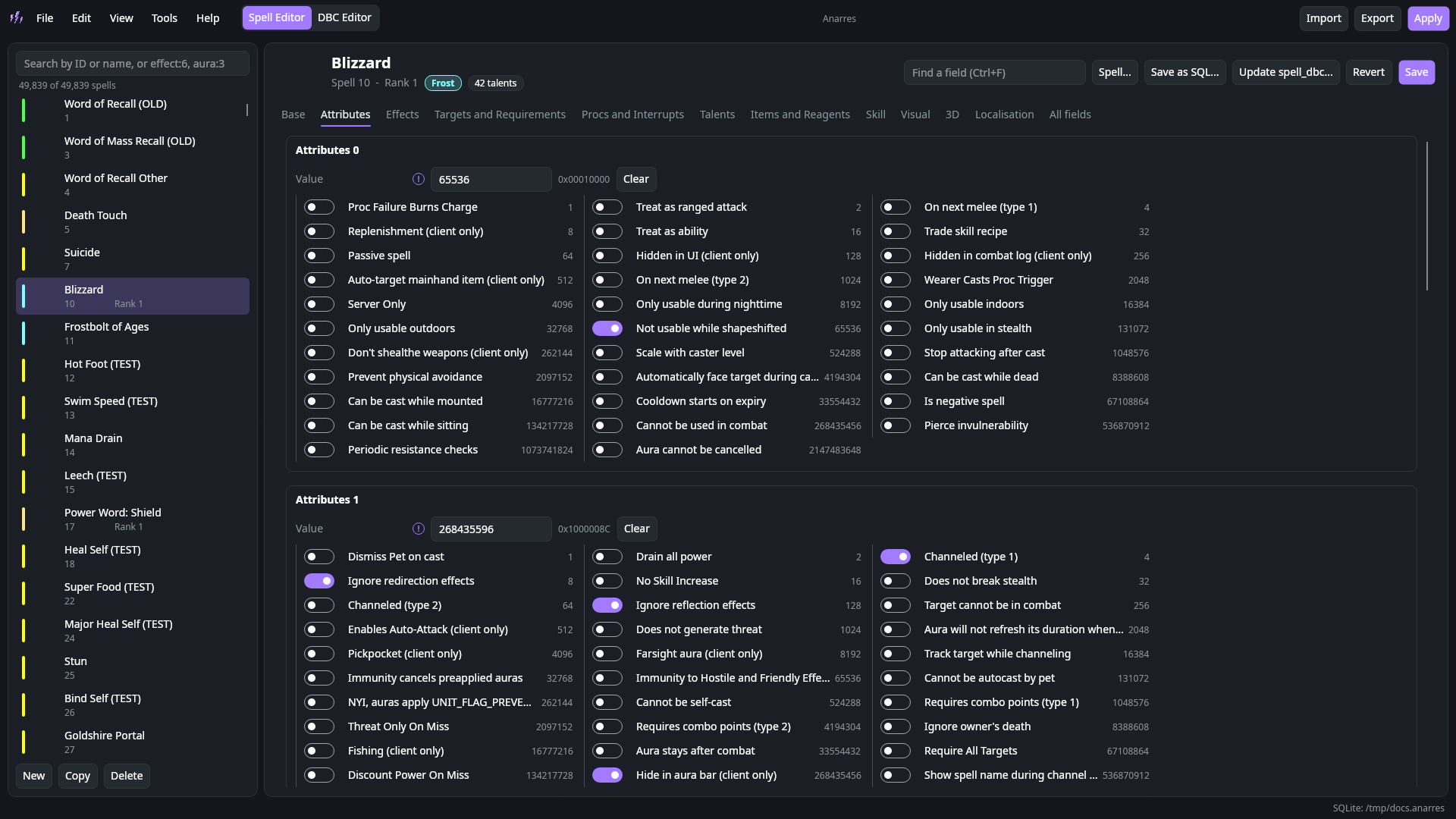
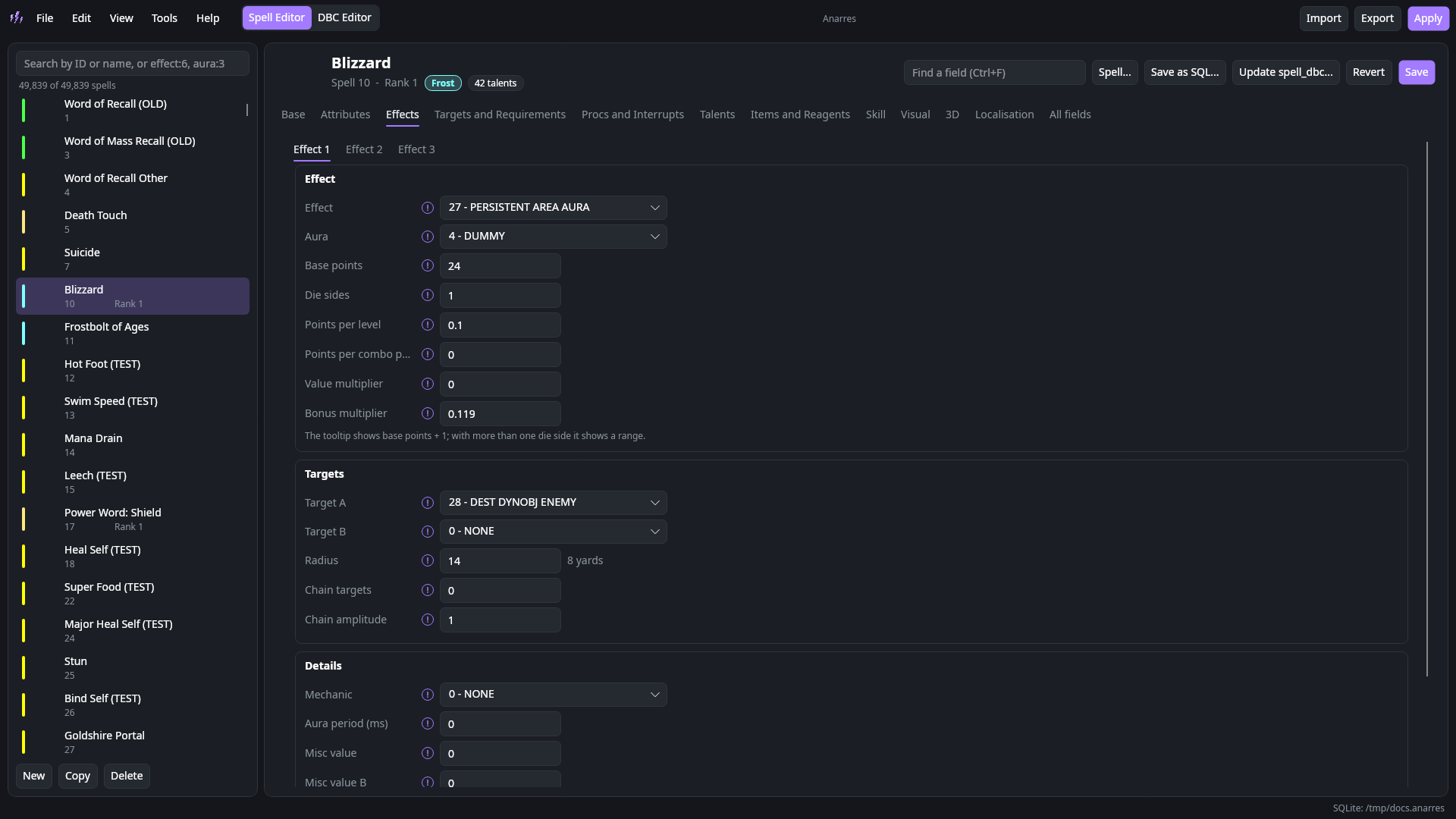
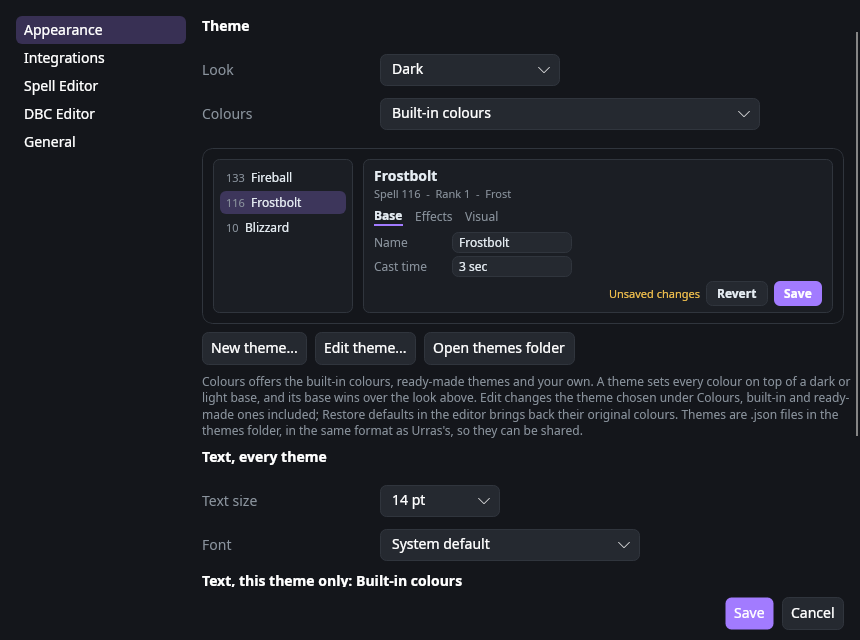
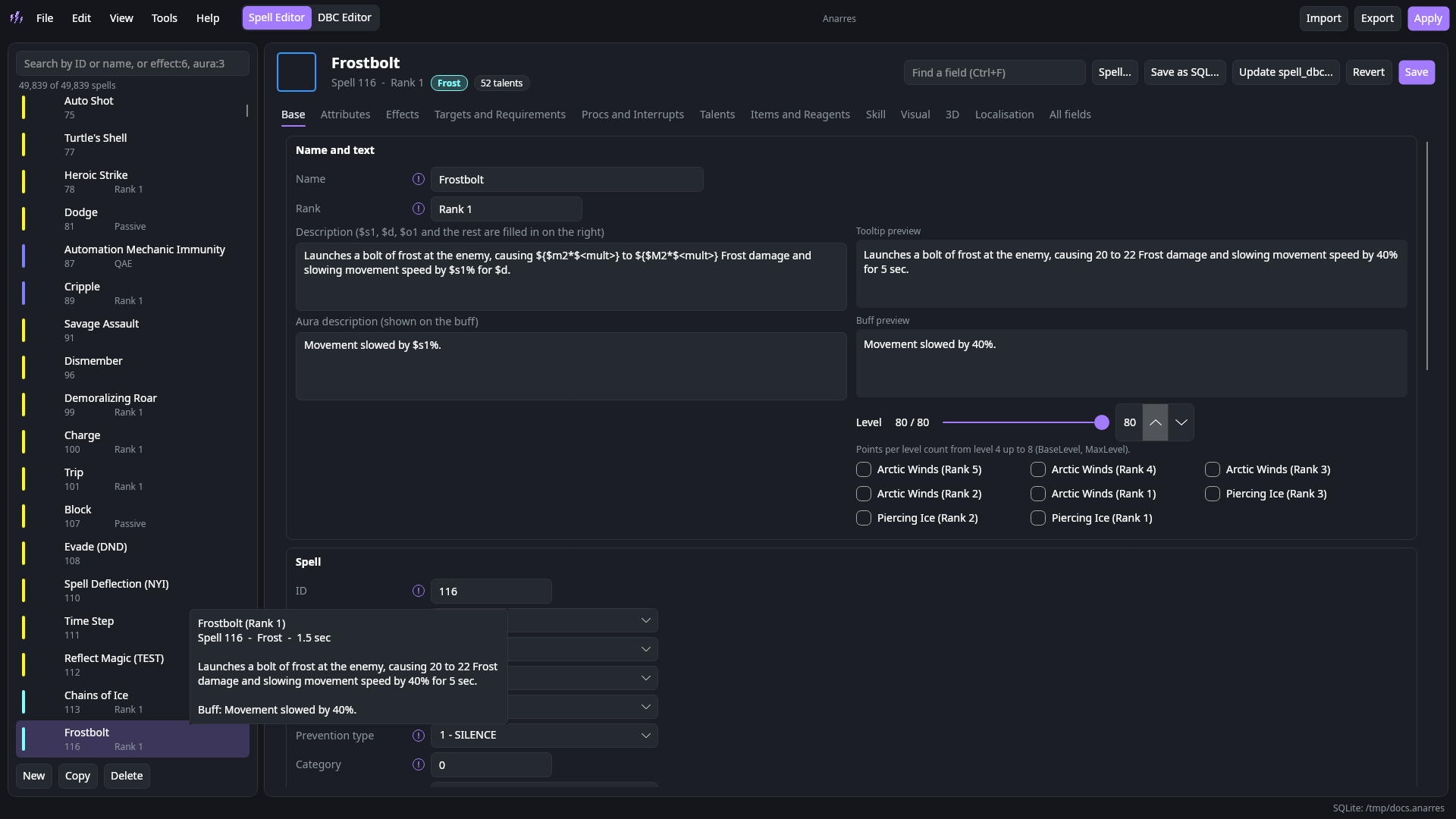
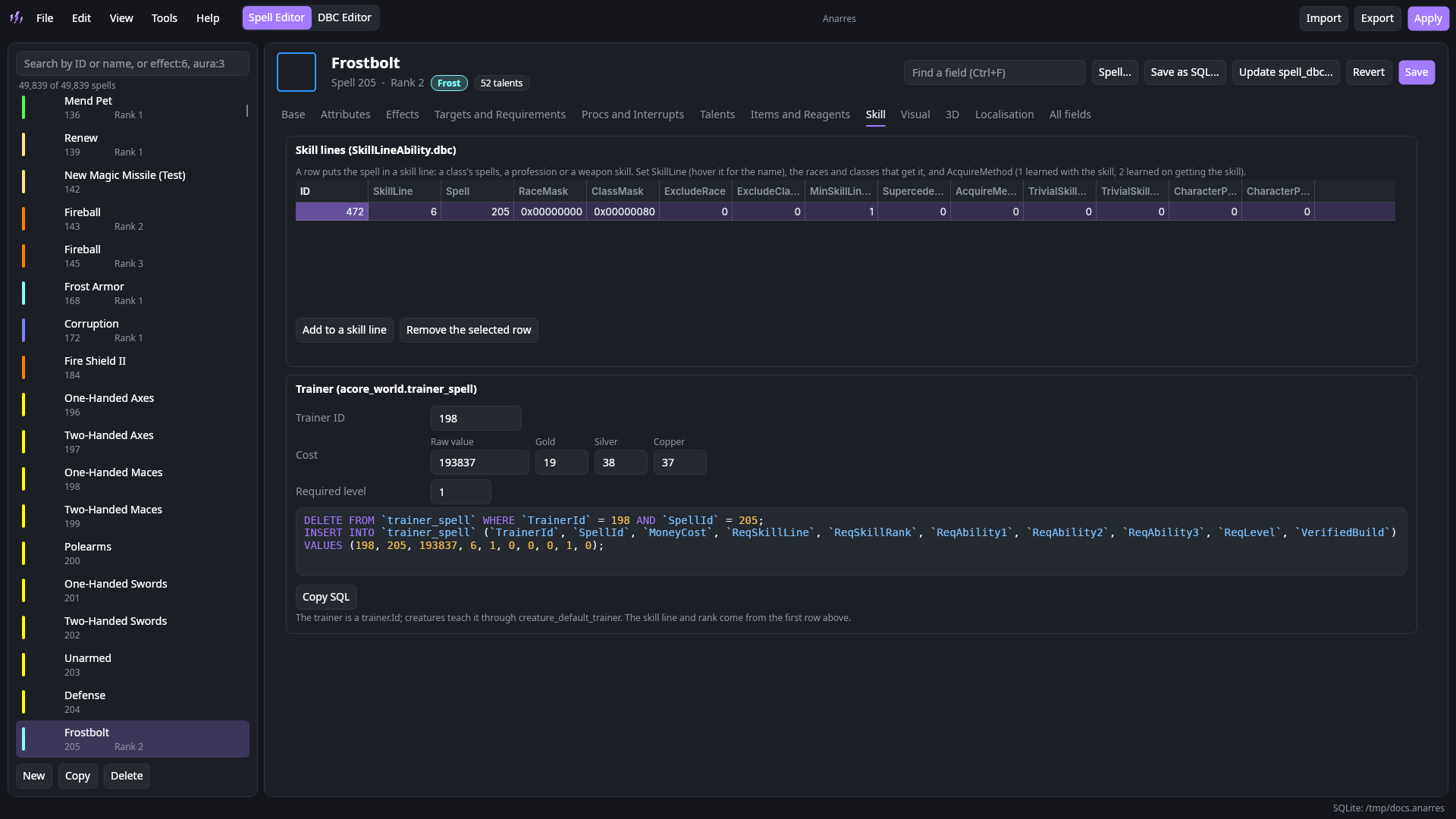
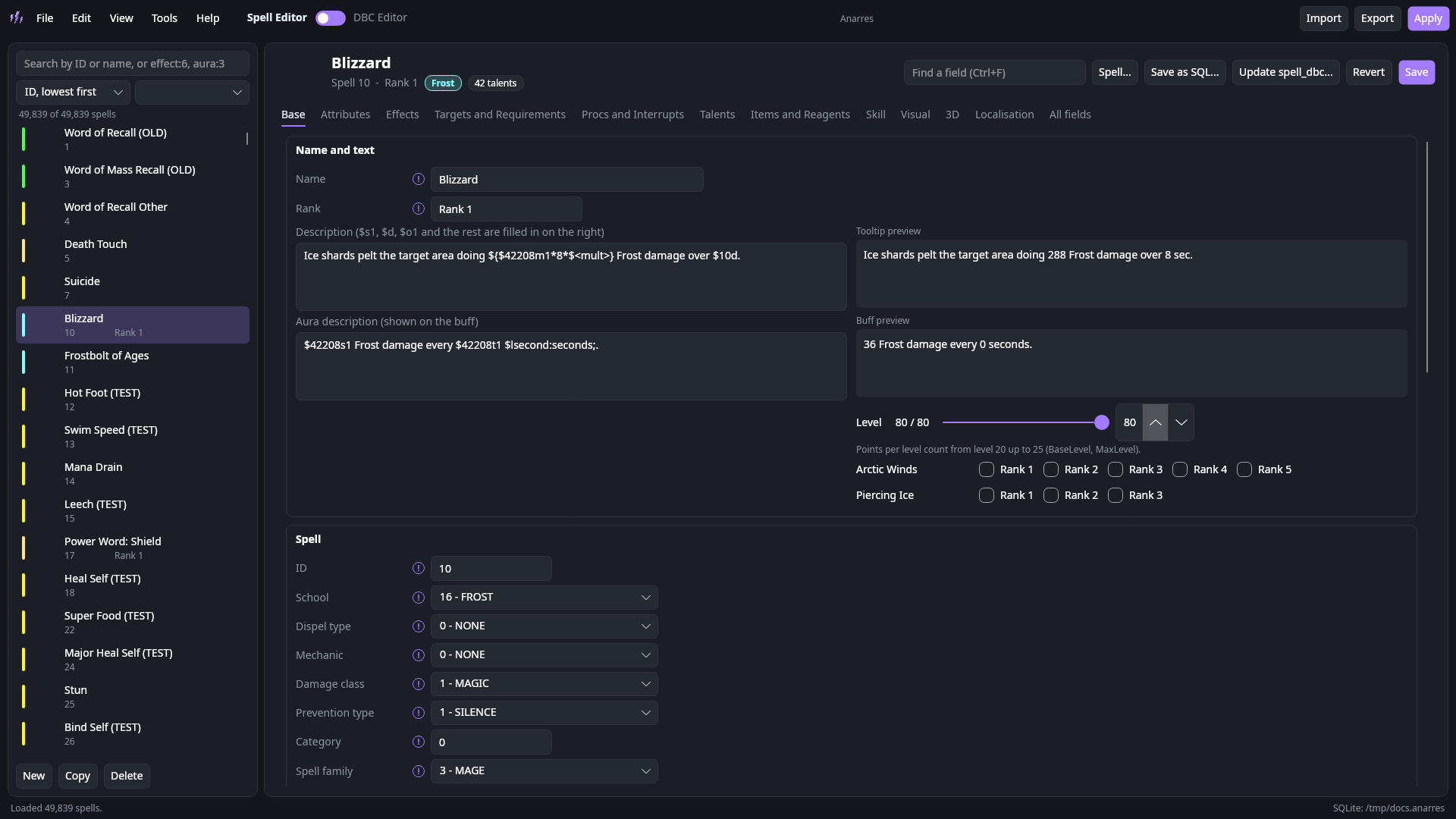
Laid out after Stoneharry's WoW Spell Editor: effects, auras and targets from named lists, every bit mask as switches, icons from the client, visuals, and a live tooltip at any level and with any talents.
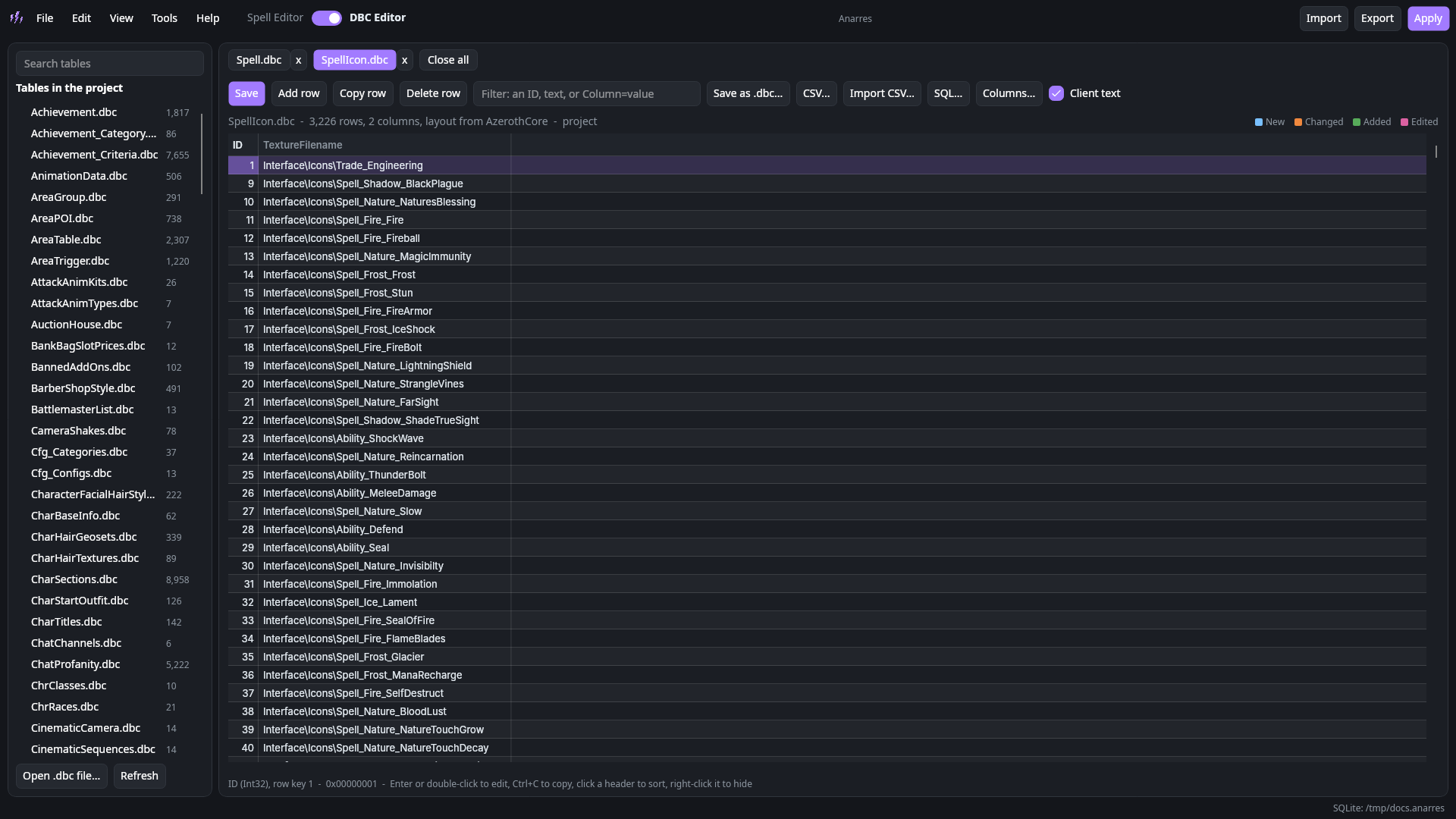
A DBC editor
Every table in a grid that stays smooth at Spell.dbc's 50,000 rows by 234 columns. Sort, filter, hide columns, edit in place, CSV and SQL, and 240 layouts built in.
Notes on every field
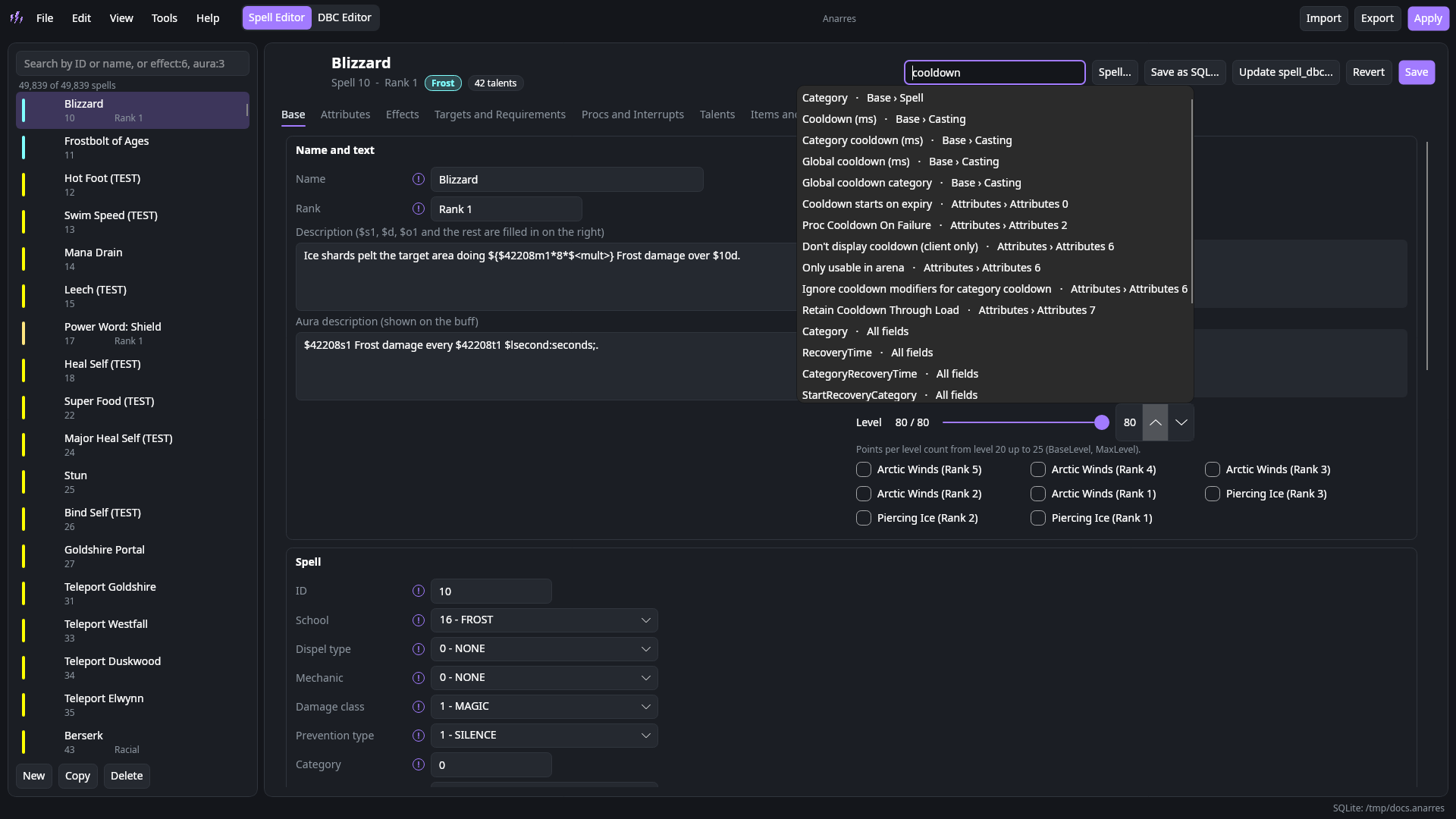
Like Keira3, each field says what it's for, such as "the global cooldown group", and Ctrl+F finds any field or flag by name, column or SPELL_ATTR name.
Apply in one click
Writes the edited tables to the worldserver, builds the client patch MPQ, empties the client's cache and updates spell_dbc in your world database.
Only what changed
Knows which tables you edited since import, so the patch and spell_dbc hold just your changes, never all 49,839 spells.
Your data, your way
A SQLite project file, or MySQL and MariaDB to query and share. Big tables are kept on your PC and open in a fraction of a second.
See it in 3D
Spell missiles and kit effects with their particles, summons, transforms and items, drawn from your client's own files, custom models included. No online viewer.
Spell tools
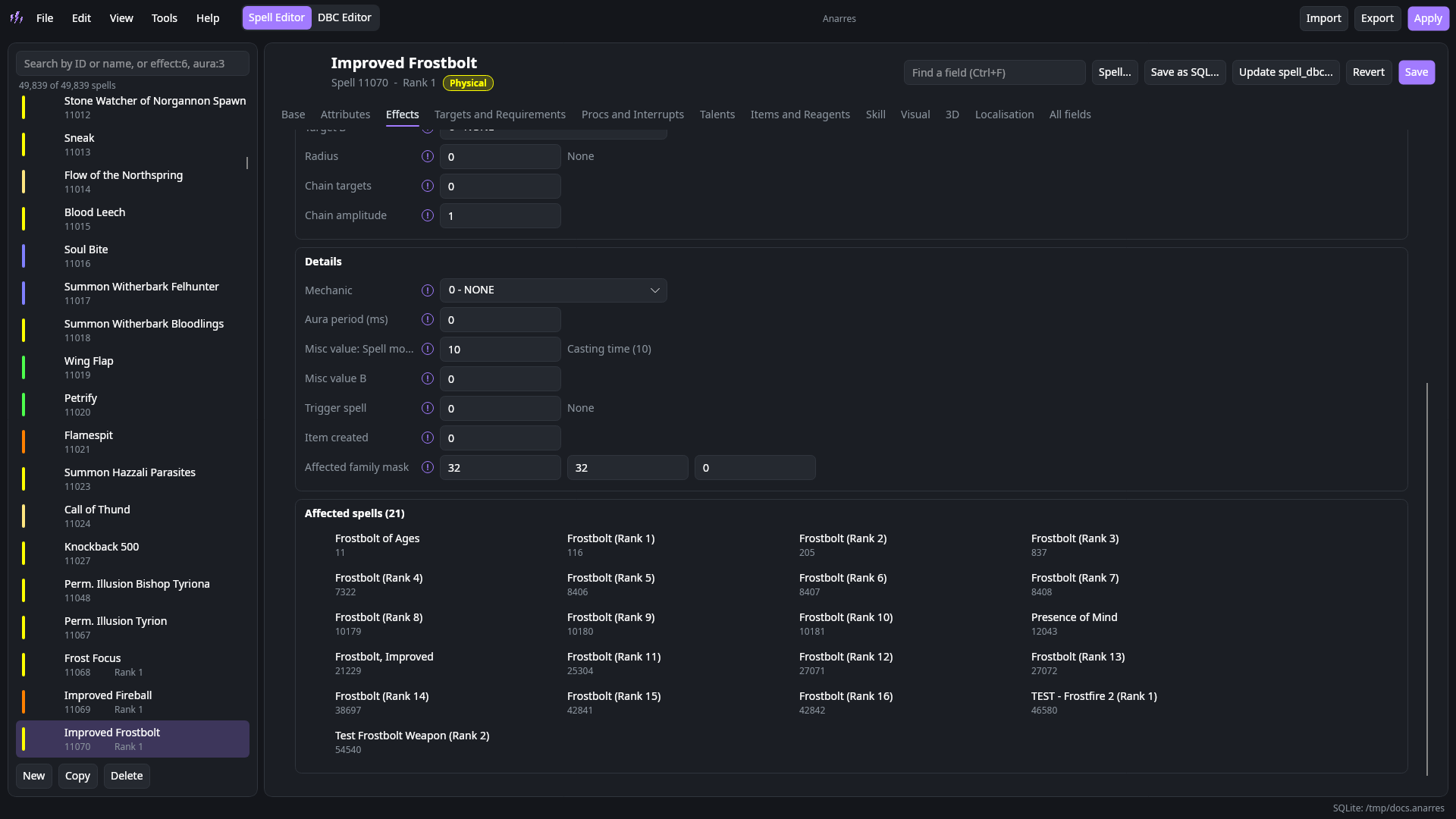
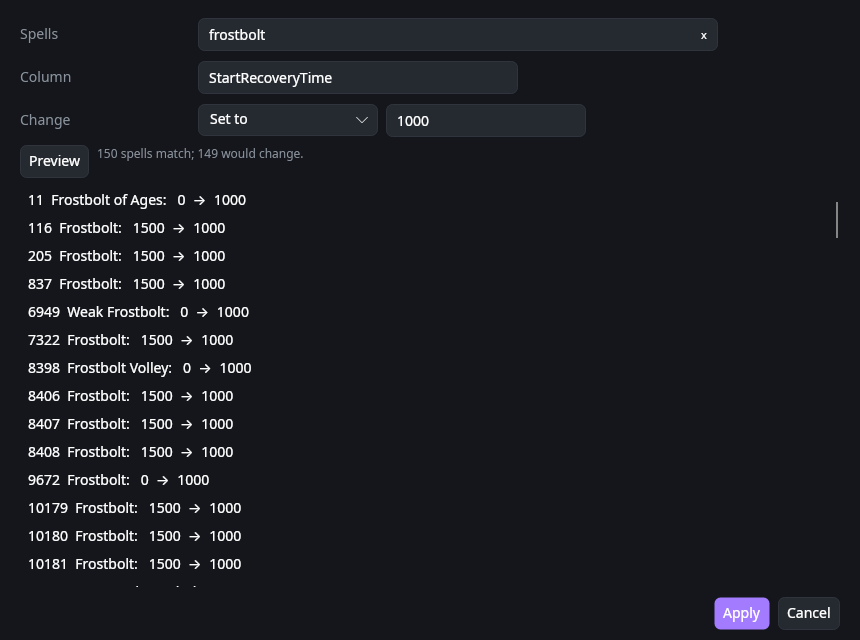
Compare a spell with the clean one and revert any field, see what uses it, start from a template, and change one field across many spells with a preview.
Talents and links
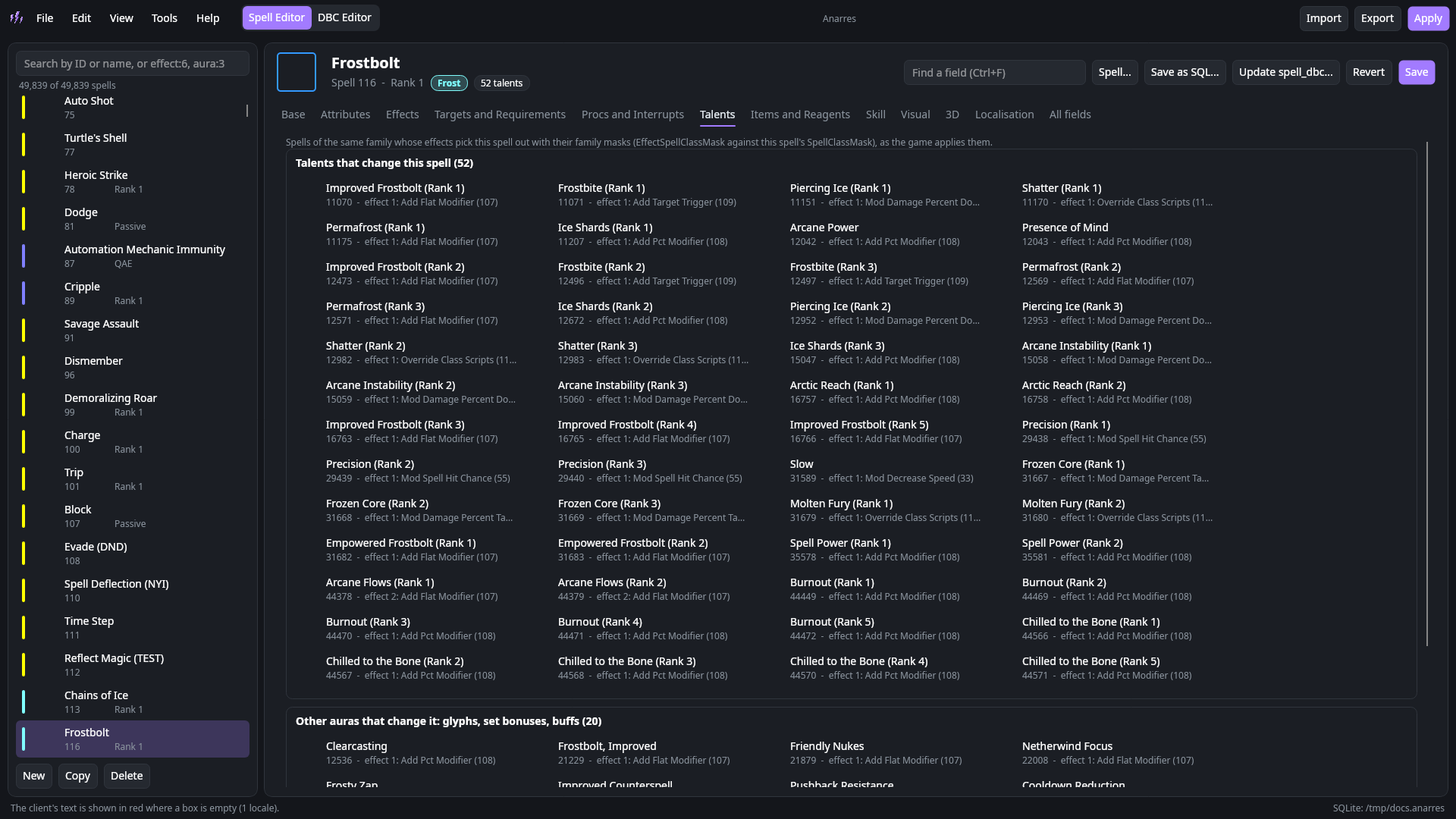
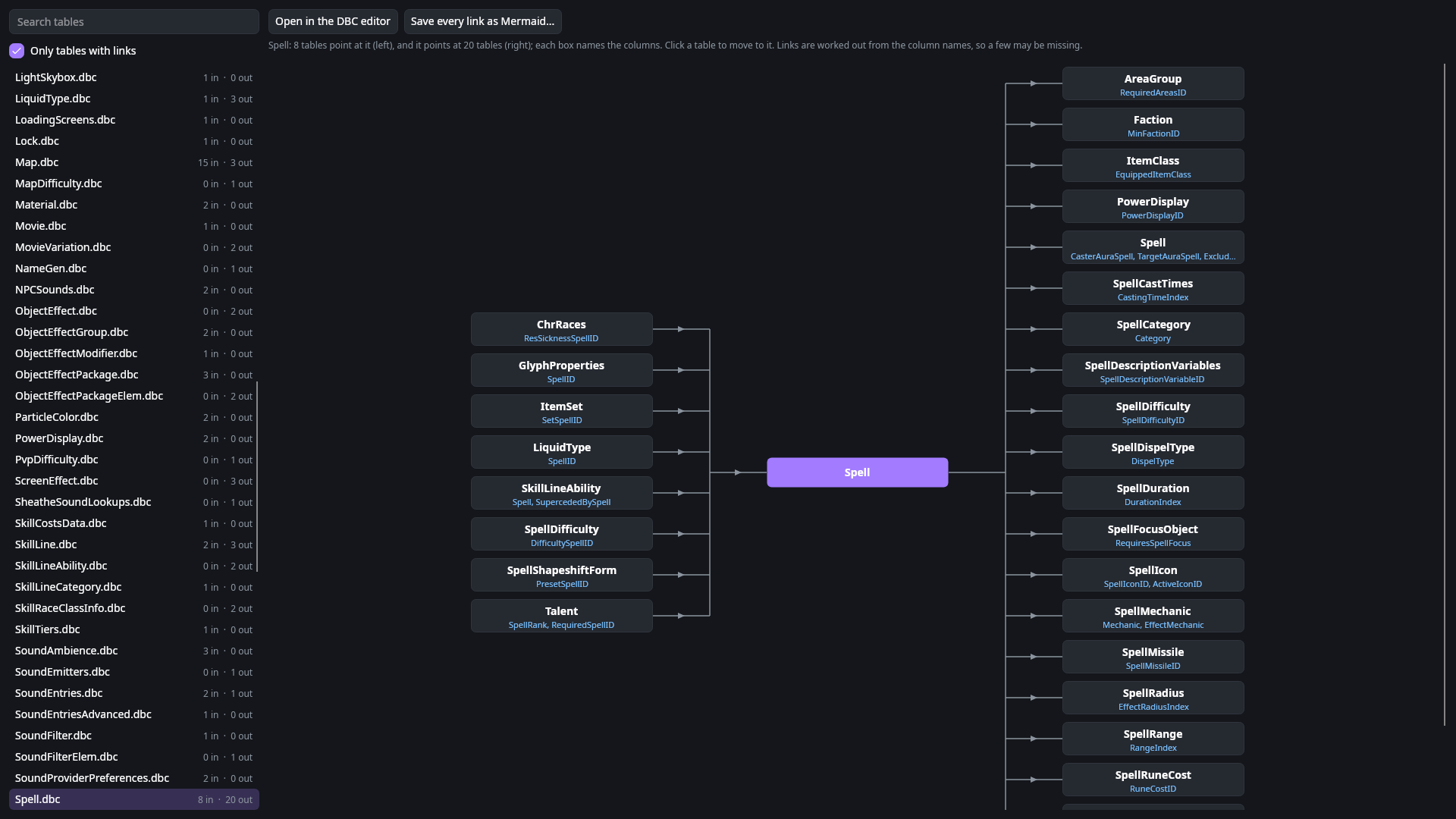
See every talent, glyph and buff that changes a spell, and a map of which DBC tables point at which, ready to save as a Mermaid diagram.
Every language
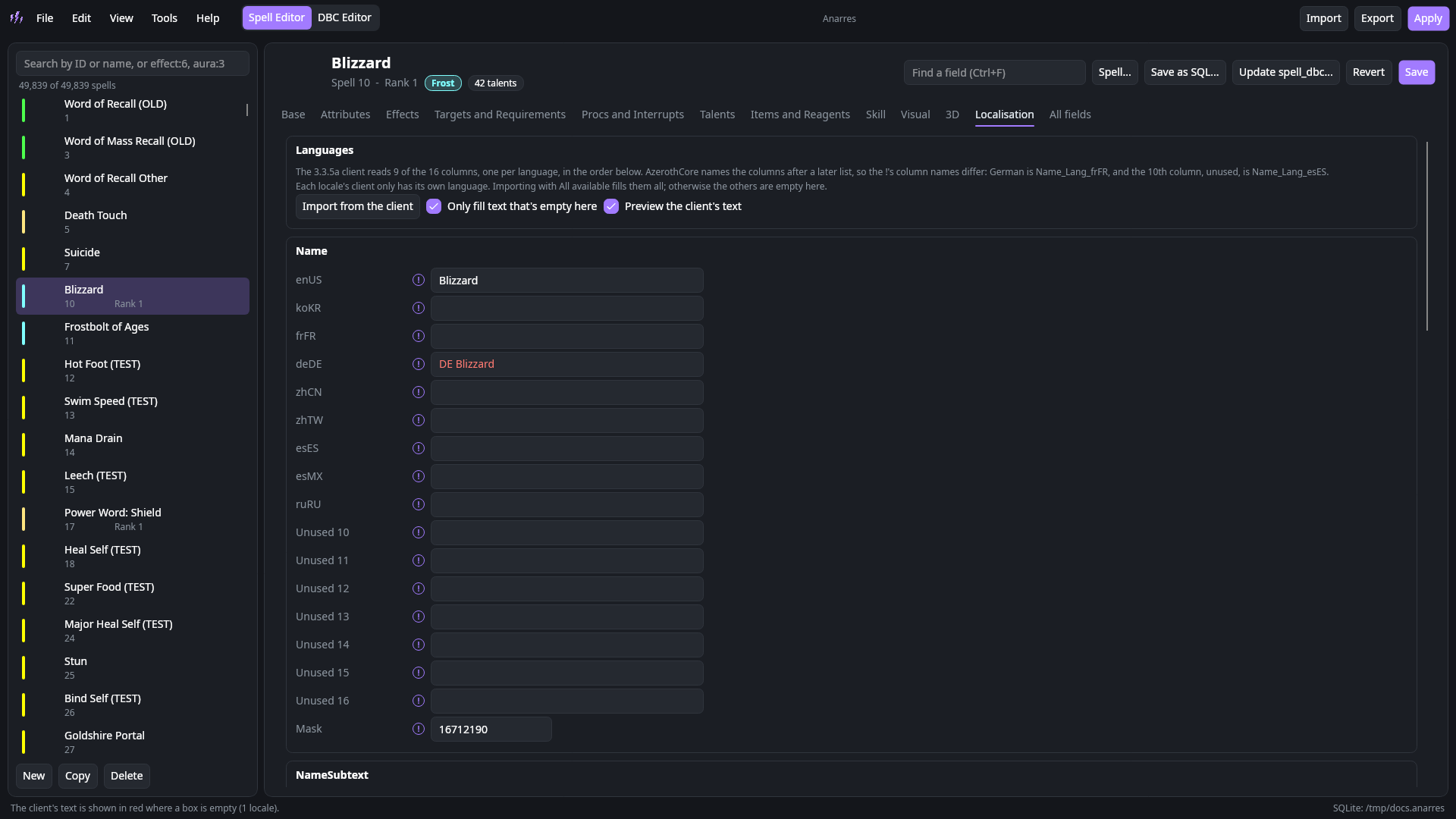
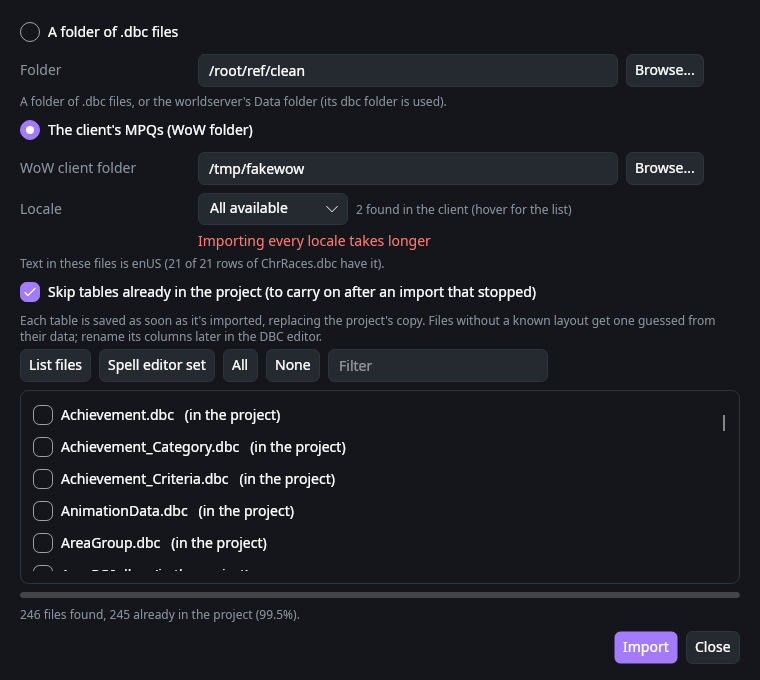
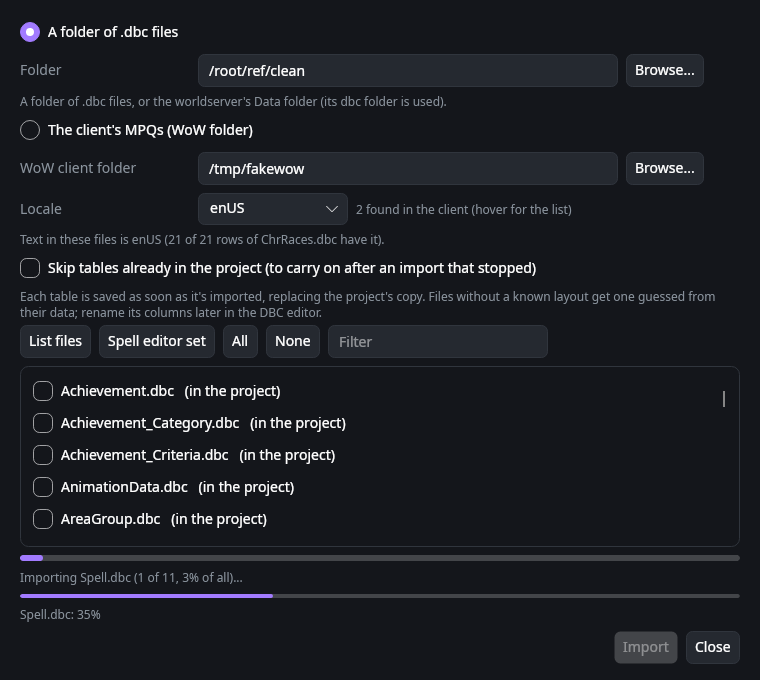
Import every locale your client has into one Spell.dbc, or preview the client's text in red and copy it in later.
See what changed
Checks edited spells before Apply, writes a field-by-field report of your changes, compares any two .dbc files, and spots client patches that hide yours.
Three steps
- Import clean .dbc files from AzerothCore's client data, your server or the WoW client.
- Edit spells and tables.
- Apply (F6), then restart the worldserver and the client.
Screenshots